archlinux
when booting from USB, the screen was rotated and it is not seen correctly.
Adding the following to the boot entry (pressing key e to edit the entry), helped to fix
i915.modeset=0 fbcon=rotate:1
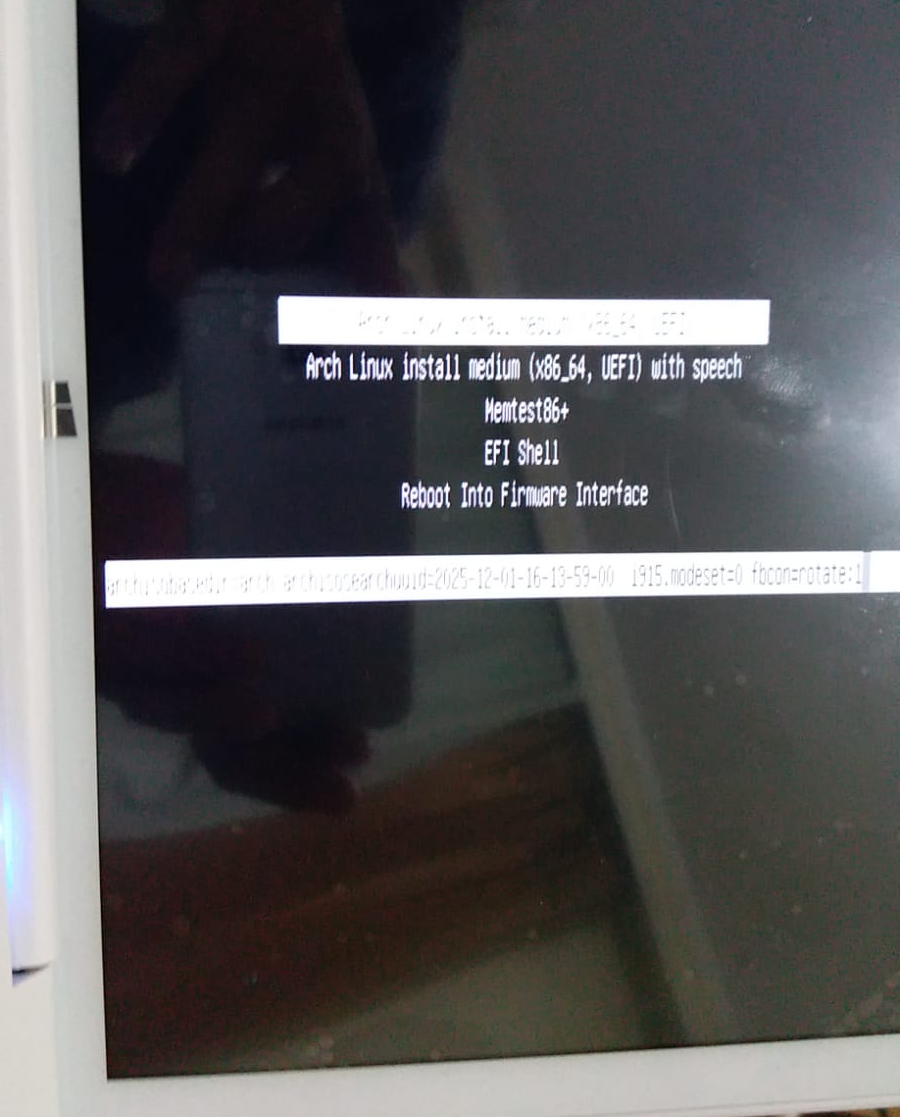

When I booted the tablet pc from USB stick, it stuck with the following errors.
I see errors during the boot like:
ata1.00: status { DRDY }
ata1.00: exception Emask 0x0 SAct 0x0 SErr 0x0 action 0x6 frozen
ata1.00: failed command: READ DMA
ata1.00: cmd c8/00:08:a8:0b:00/00:00:00:00:00/e0 tag 15 dma 4096 in res ...... Emask 0x4 (timeout)
I had to delete Microsoft Reserved Partition (MSR) partition from the hard drive to be able to continue.
after that, I continued to the installation from the following notes.
After the installation, the following links were helpful:
For audio:
sudo pacman -S sof-firmware
how to enable screen keyboard on login?
sudo nano /etc/lightdm/lightdm-gtk-greeter.conf
[greeter]
keyboard=onboard
Touch Screen:
To get the touch screen works, I have struggled a lot with the calibrations. I couldn't get xinput_calibrator works well due to the screen is rotated. So I had to go through lots of trial and errors to find the correct values.
With the following command and parameters the touch screen works as rotated right.
xinput set-prop silead_ts "Coordinate Transformation Matrix" 2.1 0 -0.01 0 -2.82 1.02 0 0 1
Make the touch screen works permanently:
sudo nano /etc/X11/xorg.conf.d/10-monitors.conf
# /etc/X11/xorg.conf.d/10-monitors.conf
# rotate monitor correctly on X11
Section "Monitor"
Identifier "DSI-1"
Option "Rotate" "right"
EndSection
# rotate touchscreen input correctly on X11
Section "InputClass"
Identifier "Touchscreen DSI-1"
MatchIsTouchscreen "on"
MatchDevicePath "/dev/input/event*"
MatchDriver "libinput"
Option "TransformationMatrix" " 2.1 0 -0.01 0 -2.82 1.02 0 0 1"
EndSection
To be able to right click and use multiple finger gestures, touchegg can be used.
Error:
Arch Linux doesn't start. Grub menu doesn't appear.
Solution:
BIOS --> Chipset --> South Bridge --> OS Selection : Linux
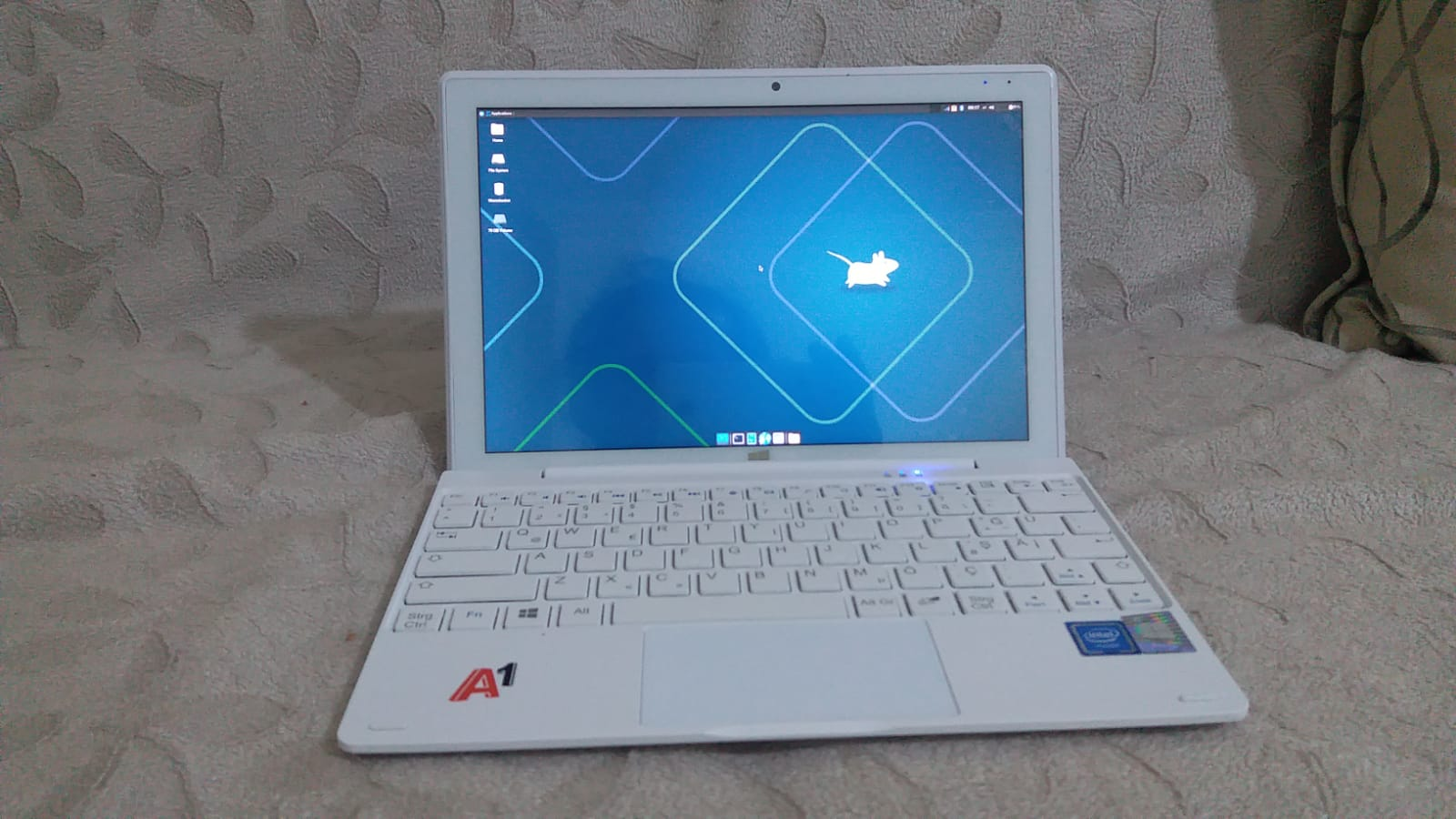
Onda Oliver A1 Book started to boot successfuly in Arch Linux.